How to Convert M4V Videos to Play on iPhone 6 and iPhone 6 Plus

"I have to say this easy program is really useful." more >>
"I have to say this easy program is really useful." more >>
Have you ever encountered with a situation where you can't play M4V files on your iPhone 6 or 6 Plus? Do you know why and what should you do to play M4V videos on your iPhone 6? If you have questions about it, read on please. In this article we will explain you two situations where you can't play .m4v files on your iPhone 6 or iPhone 6 Plus and how to convert M4V to iPhone 6/6 Plus.
In general, M4V is one of iPhone 6 natively supported formats. If you failed to import M4V files into iPhone 6 to play, it is likely to happen in the following two situations:
Situation 1. The M4V files are purchased or rented from iTunes Store. These types of videos are protected by Apple's FairPlay DRM copy protection. To play them, your iPhone need to be authorized by the iTunes account that is used to buy these M4V videos. Or you can't play iTunes DRM M4V files on iPhone 6/6 Plus normally.
Situation 2. The M4V files are DRM free. And they are being wrapped in M4V container. But the inner content is not produced by Apple Inc., therefore, the encoder, resolution, bit rate, frame rate, etc. can't be recognized by your iPhone 6/6 Plus.
To save M4V to iPhone 6/6 Plus, you need to transfer them to iPhone 6 compatible formats. Here I strongly recommend M4V Converter Genius. It is a professional and powerful program to remove M4V DRM protection and transfer M4V to iPhone 6/6 Plus supported formats. Here we take Windows version of this program to explain the detailed steps of converting iTunes DRM and DRM-free .m4v files to iPhone 6/6 Plus.
Free Download M4V Converter Genius and install it on your PC.
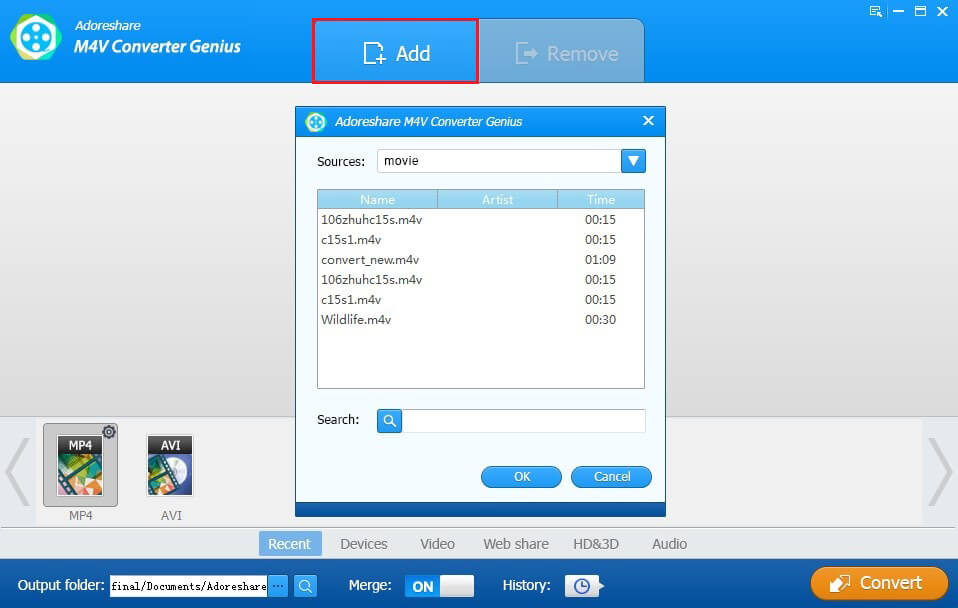
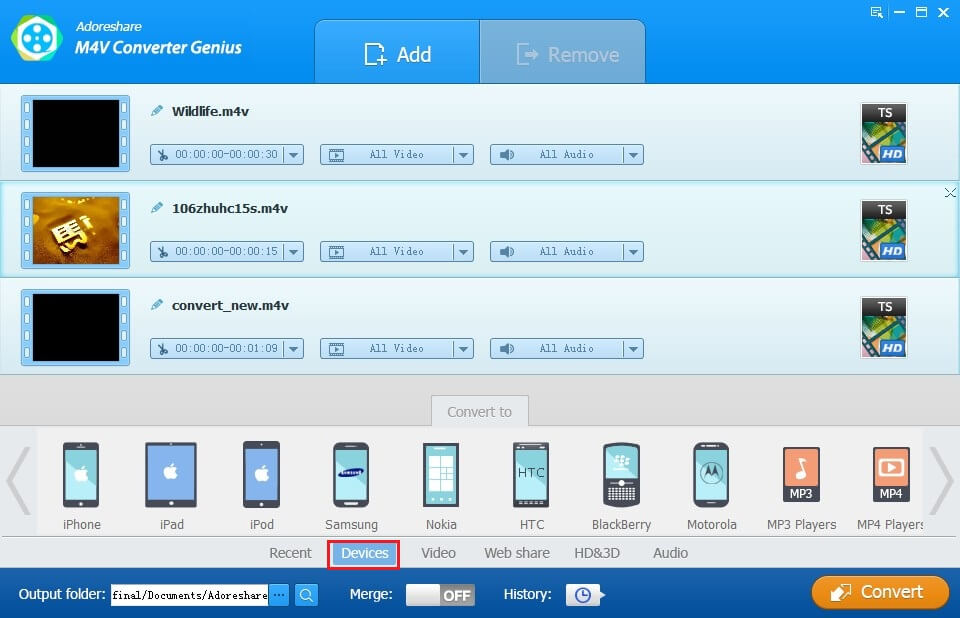
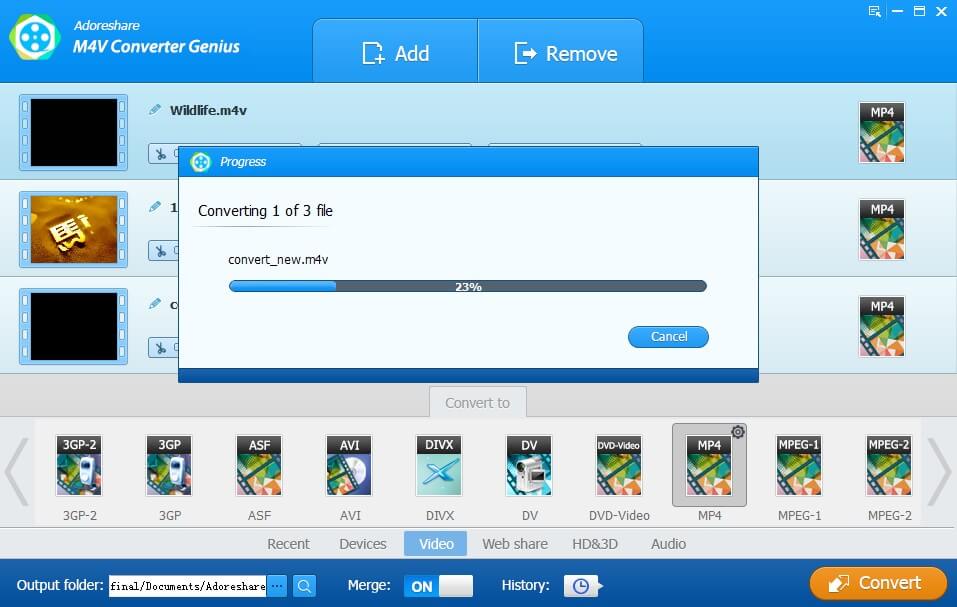
Please watch the video tutorial below on how to use M4V Converter Genius to convert M4V to MP4 iPhone 6/6 Plus friendly format:
Above is all information about why you can't import M4V files into iPhone 6/6 Plus and how to play iTunes purchased M4V videos on iPhone 6 as well as DRM free .m4v files. If you still have questions, please don't hesitate to contact us. You can leave messages in the following Comment box and we promise to reply ASAP.